And charge $3,000–$8,000 for it. A step-by-step guide for agencies and freelancers who want to deliver faster and keep more profit.
Let’s be honest. Most freelancers take 2–4 weeks to deliver a real estate website. They start from scratch, wrestle with plugins, customize layouts manually — and then charge $1,500 for it.
That’s a terrible business model.
This guide shows you how to flip it: deliver a professional real estate website in 24 hours, charge $3,000–$8,000 for it, and build a repeatable system that scales. The tool that makes it possible is Houzez — a WordPress theme built specifically for this workflow.
Why 24 hours is realistic (not a gimmick)
The biggest time sink in website projects isn’t design — it’s decisions. What layout? What fields? What search experience? Real estate clients are notoriously unclear about what they want until they see it.
Houzez solves this by shipping with 40+ ready-made demos — full websites for single agents, brokerages, luxury listings, international portals, and more. You import one in a single click. The client sees something real in the first hour. Decisions get made faster. The project moves faster.
Here’s what the 24-hour window actually looks like:
Is it always exactly 24 hours? No. Complex projects with custom search logic or membership systems take longer. But for a standard agency or agent site, this is the real ceiling — not the floor.
Step 1: Choose the right demo (Hour 0–1)
Your first decision is the most important one: which demo to start from. Houzez includes 40+ full-site demos. Don’t treat this like a design choice — treat it like a business decision.
- Single agent or broker: Use one of the agent-focused demos with a personal branding layout and direct contact CTA.
- Real estate agency: Choose a multi-agent demo with team pages, a listing archive, and a lead funnel.
- Property developer: Use a project-based demo that highlights developments, floor plans, and availability.
- Rental portal: Pick a marketplace demo with front-end submission, membership plans, and map-first search.
Once you’ve selected, import it with one click from the Houzez demo panel. WordPress, all required plugins, all pages, and all sample content are configured automatically.
Step 2: Brand it in Elementor (Hour 1–4)
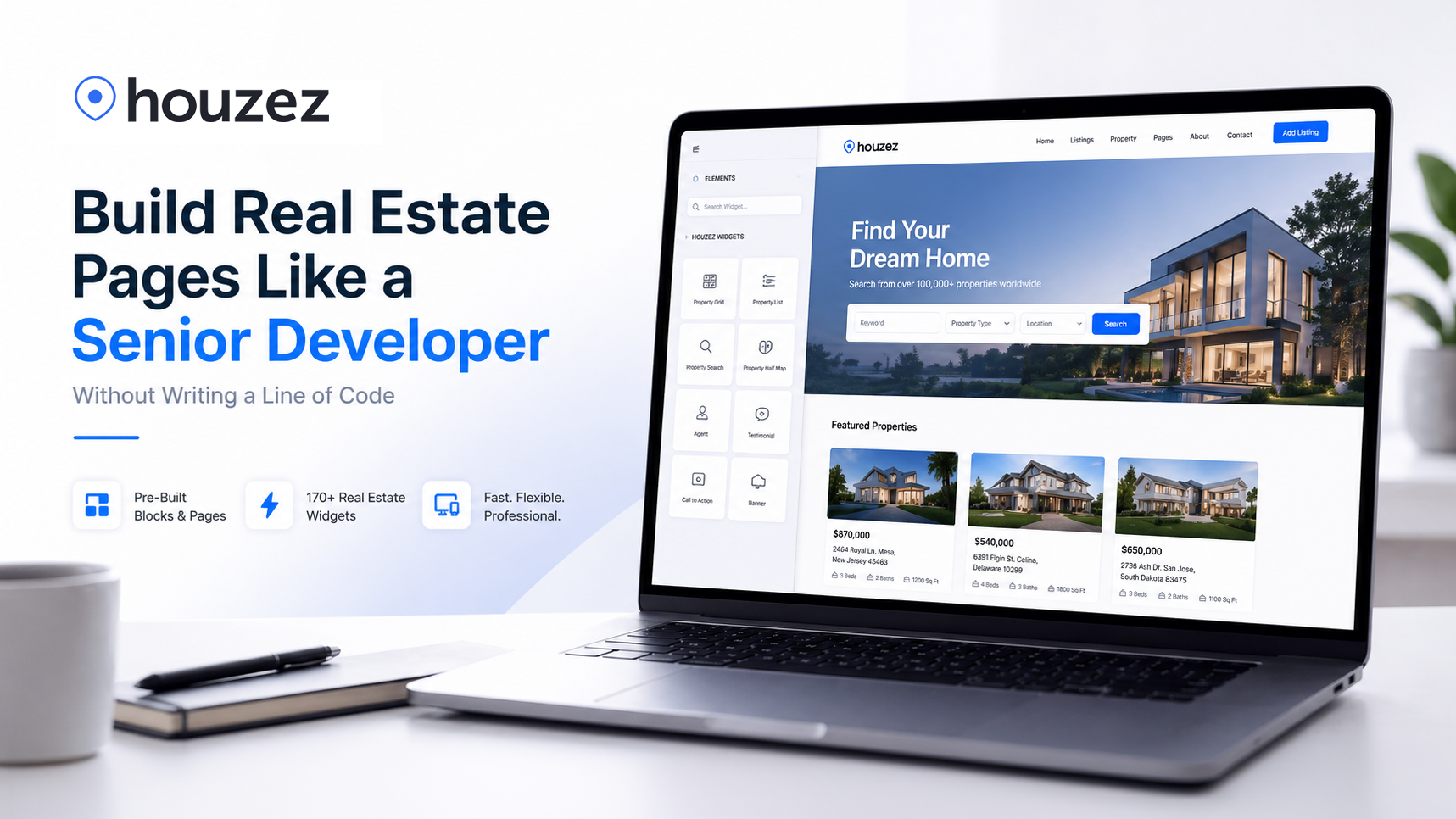
This is where most agencies waste time — going pixel-by-pixel through every element manually. With Houzez, you don’t have to. The Theme Builder lets you set global colors, fonts, and layout tokens that propagate across the entire site.
- Upload client logo + favicon
- Set primary and accent colors in Theme Settings (one change updates the whole site)
- Choose typography: heading font + body font
- Replace homepage hero image and headline copy
- Update header and footer with client’s contact info
The Houzez Header Builder lets you visually rearrange the navigation — logo position, menu items, CTA buttons, phone number — without touching a line of code. Same for the footer.
By hour 4, your client should be looking at something that feels like their brand, not a demo. That first impression drives the rest of the project forward.
Step 3: Configure property listings and search (Hour 4–8)
This is the technical core of any real estate site — and the part where most generic WordPress themes fall apart. Houzez handles it natively.
Custom fields
Every real estate market has different data requirements. Houzez’s Fields Builder lets you create unlimited custom fields — text, number, dropdown, multi-select, checkbox — and add them directly to the listing form. No plugins. No code. Fields you create automatically become available in the search form.
The search builder
The drag-and-drop Search Builder is one of Houzez’s most powerful features. You can build a property search experience that includes location, price range, property type, custom fields, radius search, and geolocation — all visually. The result is a search form your clients can show to their own customers with confidence.
Listing cards and pages
Use the Listing Composer to configure exactly which metadata appears on listing cards and detail pages. Price, bedrooms, bathrooms, area, custom fields — you control the layout. No developer needed.
Step 4: Activate the CRM and lead capture (Hour 8–12)
Here’s where the project goes from “website” to “business tool” — and where you justify charging $5,000 instead of $1,500.
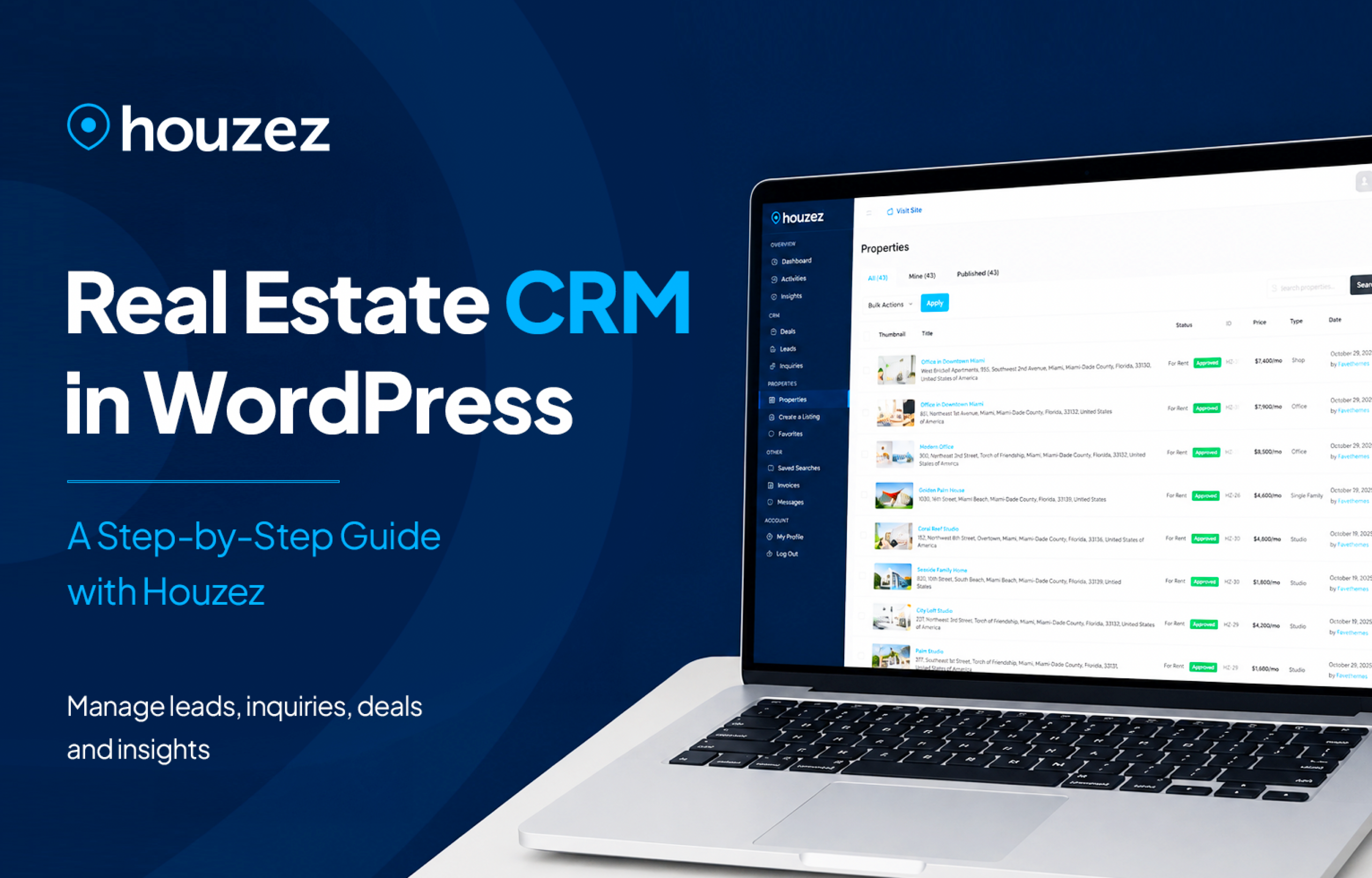
Houzez includes a built-in CRM that captures leads from every contact form on the site, tracks inquiries, logs activity per lead, and gives the client a dashboard to manage deals. You don’t need HubSpot. You don’t need a Zapier integration. It’s already there.
- Set up lead capture forms on property pages and the contact page
- Configure email notifications for new inquiries
- Set up agent profiles so leads route to the right person
- Enable the front-end dashboard so agents can manage their own listings
- Activate analytics: traffic sources, visitor locations, device breakdown
When you hand over a site with a working CRM, you’re not delivering a brochure — you’re delivering a lead generation machine. That’s a fundamentally different conversation with the client, and it commands a fundamentally different price.
Step 5: Optional — Membership and monetization (add 2–4 hours)
If your client wants to run a property portal where agents or landlords pay to list, Houzez has a full membership system built in. This is a significant upsell opportunity.
- One-time site fee
- No recurring revenue for client
- You charge a fixed project rate
- Client earns monthly from agents
- Higher perceived value = higher project fee
- Opportunity for ongoing retainer
The setup involves creating membership packages (free tier, basic, premium), connecting Stripe or PayPal, and configuring what each tier can do. Most of this is done through the Houzez admin panel — it takes 2–4 hours depending on the complexity of the pricing model.
Step 6: QA, handover, and how to charge for all of this (Hour 18–24)
Before delivery, run through a standard QA checklist:
- Mobile responsiveness on at least 3 screen sizes
- All forms submit correctly and trigger email notifications
- Search works with at least 3 different filter combinations
- Map loads correctly and shows listing pins
- Page speed score above 70 on Google PageSpeed
- SSL active and domain connected
Then the part most freelancers skip: the handover document. Write a simple 1-page PDF that explains how the client adds listings, manages leads, and updates their homepage. This takes 30 minutes and dramatically reduces support requests.
How to price this project
If you’ve never charged more than $2,000 for a website, this is where things get interesting. A real estate site built on Houzez includes a fully custom-branded front end, an advanced property search system, a built-in CRM with lead management, agent dashboards and front-end submission, and analytics and reporting. That’s a $500/month SaaS stack, delivered as a one-time WordPress install. Your cost: $79 for the license plus your time. Price accordingly.
Why this works: the economics of one license
Here’s what most freelancers don’t think about. A single Houzez license costs $79 and covers the site you’re building. That means after just one project, the tool has paid for itself many times over.
Compare that to SaaS alternatives:
- Wix Real Estate: $17–$35/month per site, locked ecosystem, no CRM
- Propertybase: $79–$149/month per user
- Custom development: $15,000–$50,000, 3–6 month timeline
You’re delivering a custom, self-hosted, fully-featured real estate platform for a fraction of the cost — and keeping 100% of the margin. No referral fees, no revenue sharing, no platform dependency.
What you can’t do in 24 hours
Honest caveat: there are project types that will take longer, and you should scope them accordingly.
- IDX/MLS integration: Connecting to a live MLS feed via Realtyna requires additional setup and licensing. Add 1–2 days.
- Multilingual sites: Houzez supports multi-language and RTL, but translation requires content work. Add time per language.
- Large property databases: Bulk importing hundreds of listings via WP All Import is fast, but data preparation on the client side often takes days.
- Fully custom designs: If a client wants something that doesn’t resemble any of the 40+ demos, you’re looking at 3–5 days, not 24 hours.
The repeatable system
The real power of this approach isn’t the first project. It’s what happens after you’ve done it three or four times.
By project 3, you have a base installation with your preferred settings, a saved set of custom fields, a tested search form template, and a QA checklist. Your 24 hours becomes 16. Your 16 becomes 10. Your margins improve every time.
That’s how agencies scale. Not by working more hours — by systematizing the work they’ve already done.