Half Map Property Search for Modern Property Websites

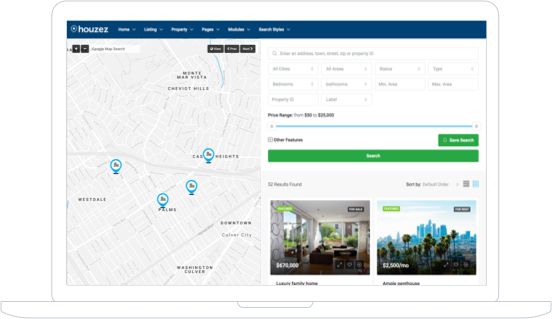
Create a faster and more interactive browsing experience with Houzez Half Map Property Search pages. Combine dynamic property listings with Google Maps or OpenStreetMap layouts to help visitors explore listings visually while filtering results in real time.

Houzez makes it easy to build map-based property websites for agencies, brokers, developers, and listing marketplaces. Choose from multiple half map layouts, customize search behavior, and improve property discovery across desktop and mobile devices.

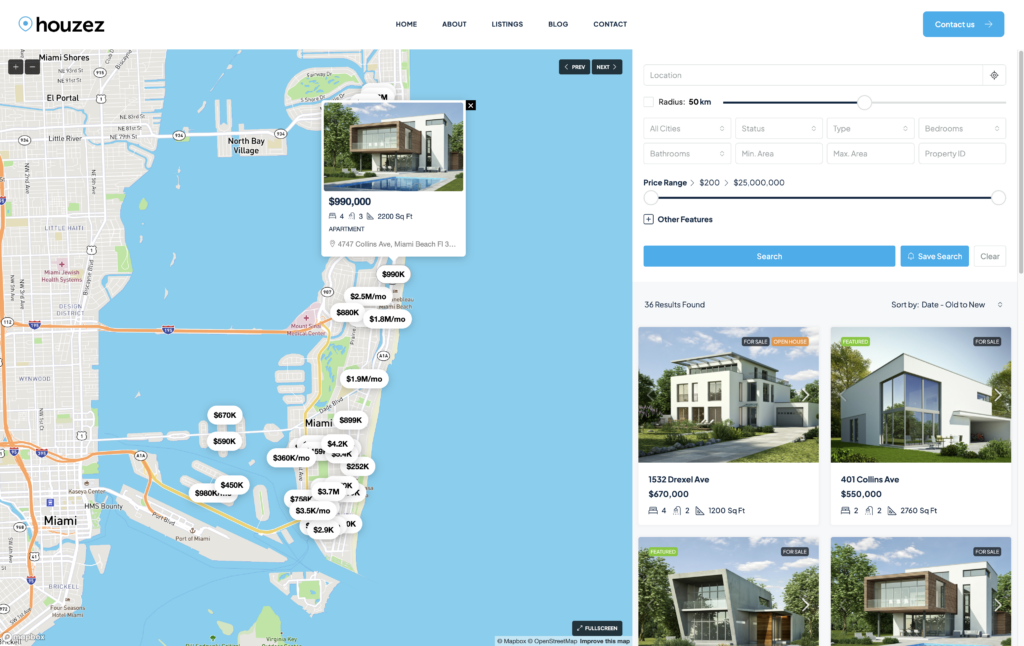
Interactive real estate half map search layout with property listings and custom map pins

Flexible Half Map Layouts for Every Website Style

Houzez includes multiple Half Map Property Search layouts designed for different browsing experiences. Display listings beside interactive maps and help visitors explore properties without leaving the search page.

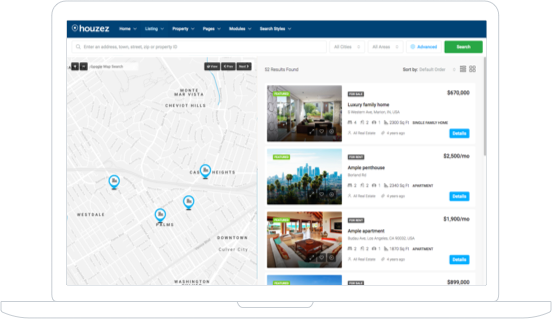
Half Map List View With Search

Display properties in a clean vertical list beside an interactive map. Visitors can browse listings while refining search results with advanced filters and location-based search tools.

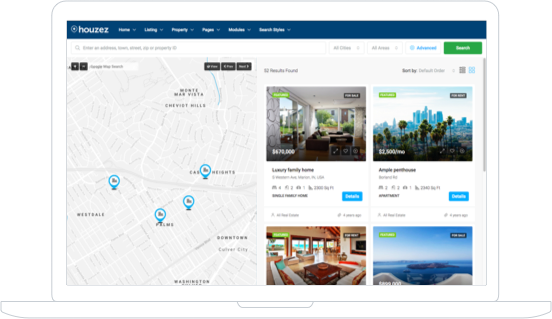
Half Map Grid View With Search

Show listings in a modern grid layout combined with map navigation. This option works well for visual property browsing and image-focused marketplaces.

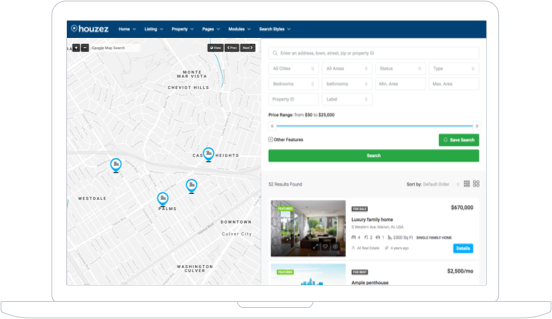
Half Map List View

Create a simplified map browsing experience without large search forms. Keep the focus on map interaction and quick property discovery.

Half Map Grid View

Combine compact property cards with map-based browsing for a modern directory-style experience that works well on large listing websites.

Advanced Features for Half Map Property Pages

Houzez gives you complete control over your map-based property page.  The Half Map Property system works perfectly for agencies, brokers, developers, rental websites, and large property marketplaces.

Wide Range Of Templates​

Pick the Right Listing Page Template for Your Business

Choose from multiple listing page layouts designed for different business models and browsing styles. Create custom experiences for agencies, directories, rental portals, or property marketplaces.
Listing Composer

Drag & Drop Manager for Listing Data

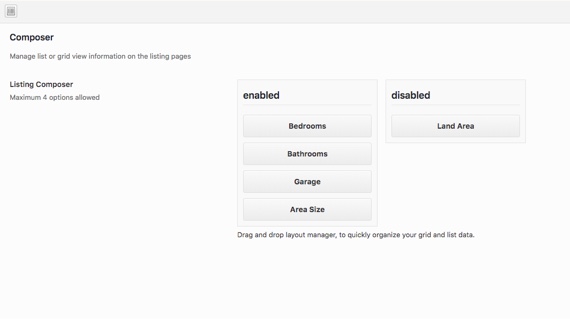
Reorganize listing sections quickly using the built-in drag and drop manager. Control the order of property content from the admin panel. This helps you create cleaner listing pages tailored to your audience and market.

Listing Quick View​

Property Preview Listings

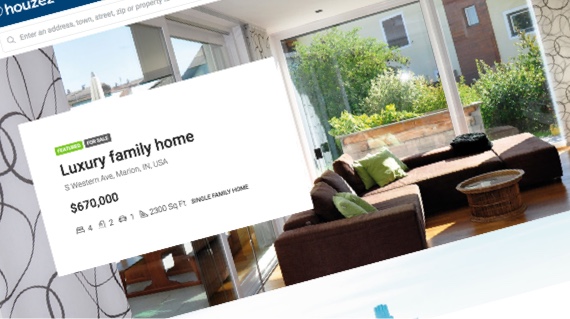
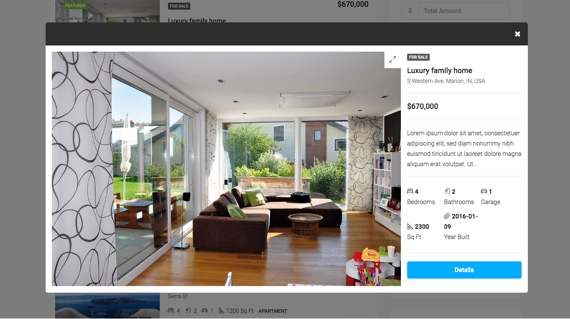
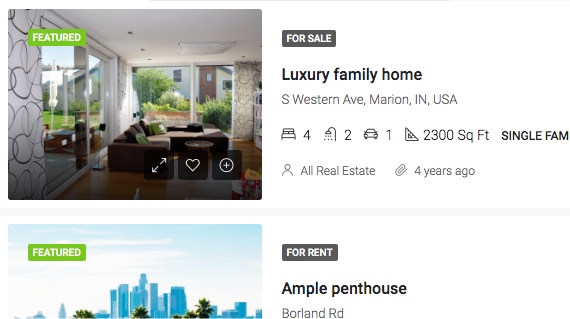
Allow visitors to preview important property information directly from listing cards and map results. Display pricing, property details, gallery previews, statuses, and featured labels before users open the full property page. This creates a faster browsing experience and helps users compare listings more efficiently.
Custom Icons

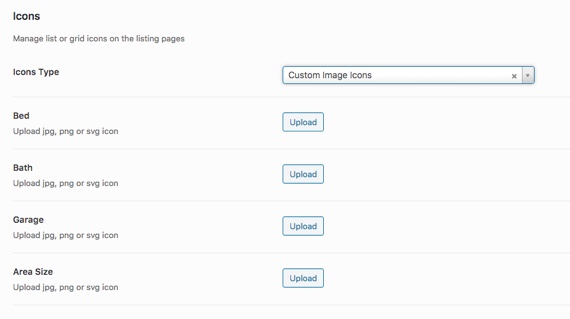
Upload and Manage Custom Icons

Customize map markers and property icons to match your branding style. Houzez allows you to upload custom icons for property meta. Branded icons help create a more professional browsing experience across your property website.
Powerful Page Filters​

Fine-Tune Listing Page Filters

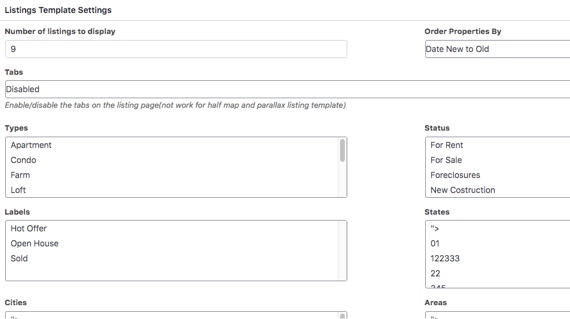
Build advanced filtering systems that help visitors find properties faster. Houzez supports filters for location, property type, price range, amenities, statuses, and many additional search parameters.

Manage Featured Properties​

Display Featured and Managed Properties

Highlight important listings directly inside map earch results and listing pages. Promote featured properties, exclusive listings, or sponsored content to increase visibility and improve engagement. This feature works especially well for agencies and property marketplaces that monetize listing visibility.
Manage The Page Order​

Manage Listing Order Easily

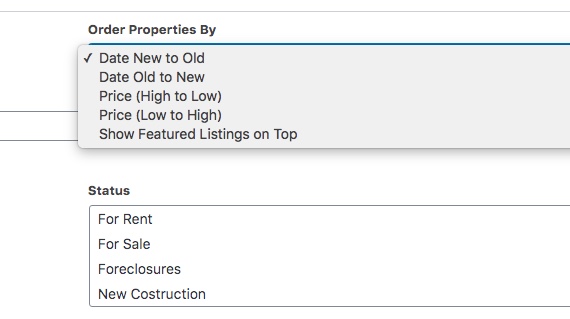
Control the display order of your listings using custom sorting options. Sort properties by newest listings, featured status, price, etc. Flexible ordering helps visitors discover relevant listings faster while improving navigation across large websites.
Compare Properties​

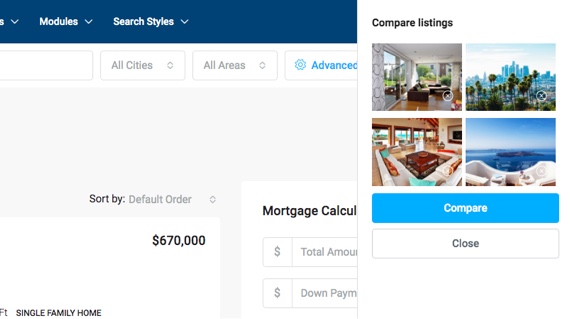
Compare Properties From the Search Page

Allow visitors to compare multiple properties directly from the Half Map Property Search page. Users can review property details side by side before contacting agents or scheduling visits. This improves decision-making and keeps visitors engaged longer on your website.

Frequently Asked Questions

A Half Map Property Search page combines property listings with an interactive map layout. Visitors can browse listings while viewing property locations on the same screen.
Houzez supports Google Maps, Mapbox, and OpenStreetMap. You can choose the map provider that best fits your project and use advanced features such as geolocation, radius search, custom map pins, property clustering, and dynamic property search directly inside Half Map Property Search pages.

Yes. All Half Map layouts are fully responsive and optimized for tablets and mobile devices.
Yes. Houzez includes advanced property filters such as location, price, property type, amenities, custom fields, statuses, and radius search.
Yes. Houzez is designed for agencies, brokers, developers, and large property marketplaces with thousands of listings.
Yes. Visitors can compare multiple properties directly from the search page before opening the property details page.`