
The Houzez Grid Builder for Elementor helps you create modern grid layouts without writing code. Build custom grid layouts with dynamic content sections and visual website blocks using a simple drag and drop workflow.
Build custom grid layouts directly inside Elementor using a visual drag and drop editor.
Display listings, categories, cities, agents, or custom website content dynamically.
Create unique grid sections using custom images, text, buttons, overlays, and layouts.
Optimize every grid layout for desktop, tablet, and mobile devices with responsive controls.
Customize typography, colors, spacing, overlays, borders, hover effects, and animations.
Control row height, column width, image ratios, spacing, and content alignment with precision.
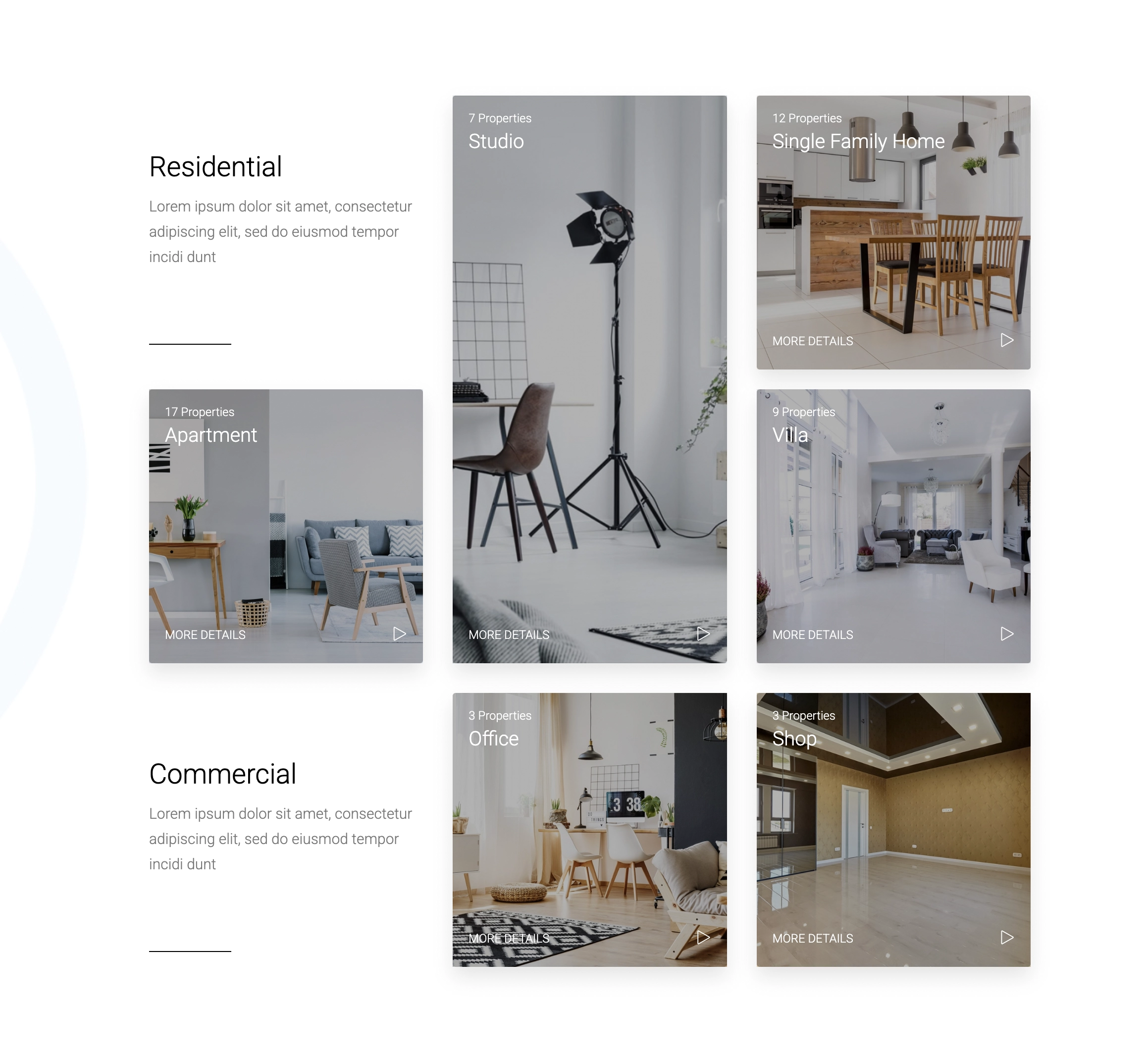
Modern property websites need more than standard listing layouts. Visitors expect visual experiences that help them browse content quickly and understand information faster.
The Houzez Grid Builder for Elementor helps you create visually structured website sections using flexible grid systems. You can highlight featured properties, promote neighborhoods, showcase agents, display categories, or organize landing page content in creative ways.
Use large featured blocks, asymmetric layouts, image overlays, call to action sections, and interactive content arrangements to guide visitors through your website naturally.
Because the system integrates directly with Elementor, you can build and update layouts without touching code.
Website visitors browse properties from desktops, tablets, and smartphones every day. Your layouts must adapt perfectly across all screen sizes.
The Houzez Grid Builder includes responsive controls that help you customize how grids behave on different devices. Adjust spacing, image sizes, alignment, typography, and column structures independently for mobile and desktop layouts.
This flexibility improves readability, navigation, and overall browsing experience for your visitors.
Responsive grid layouts also help create cleaner page structures that support better usability and engagement.

Create professional grid layouts faster using Houzez Studio. Access a growing library of pre built grid sections, landing pages, listing layouts, and Elementor design blocks created specifically for property websites.
No. You can build and customize grid layouts visually without coding.