If you are building a real estate website on WordPress, one of the first questions you will face is: how do I add MLS and IDX listings to my site?
Most agents and developers get this wrong — and it costs them traffic, leads, and Google rankings for years. In this guide, we explain how to add MLS/IDX to WordPress the right way, what to avoid, and how Houzez handles this better than any other solution on the market.
What Is MLS and IDX?
Before we get into the technical side, let us clarify what we are talking about.
MLS (Multiple Listing Service) is a database used by real estate agents and brokers to share property listings with each other. It is the source of truth for available properties in any given market.
IDX (Internet Data Exchange) is the system that allows real estate websites to display MLS listings publicly. When you see a real estate website showing hundreds or thousands of properties from the local market, that is IDX in action.
For a real estate website to be competitive, it needs to display live, up-to-date MLS listings. Without IDX, your website can only show the properties you manually add — which is not scalable and puts you at a major disadvantage.
The Wrong Way: Iframe-Based IDX
Most IDX solutions on the market work through an iframe — a separate window embedded inside your website that loads listings from a third-party server.
This is the default approach for most IDX plugins and many real estate WordPress themes. It is easy to set up, but it comes with serious problems:
Problems with Iframe IDX
1. Google cannot index your listings
Search engines do not crawl iframe content. This means every property page on your site is invisible to Google. You get zero SEO value from your listings — even if you have thousands of them.
2. The design breaks your website
Iframe content comes with its own styling from the third-party provider. It rarely matches your website’s design. Visitors notice the disconnect and trust drops.
3. You do not own the pages
If you switch IDX providers, every listing URL changes. You lose whatever rankings and backlinks you had built up.
4. Slow loading
Iframes add external HTTP requests that slow down your pages — hurting both user experience and Google rankings.
The Right Way: Native (Organic) IDX Integration
The alternative is a native IDX integration — where listings are pulled directly into your WordPress website, stored as real pages, and treated as your own content.
This is called organic IDX technology, and it is fundamentally different from iframe-based solutions:
- Listings are real WordPress pages — Google indexes them
- The design is 100% your theme — no third-party styling
- Every property has its own URL on your domain — you own the SEO
- Pages load fast — no external iframe overhead
- When visitors find a listing on Google, they land on your website
The difference in long-term SEO value is enormous. With native IDX, every listing you sync becomes a potential Google entry point for your website. With iframe IDX, none of them do.
How to Add MLS/IDX to WordPress with Houzez
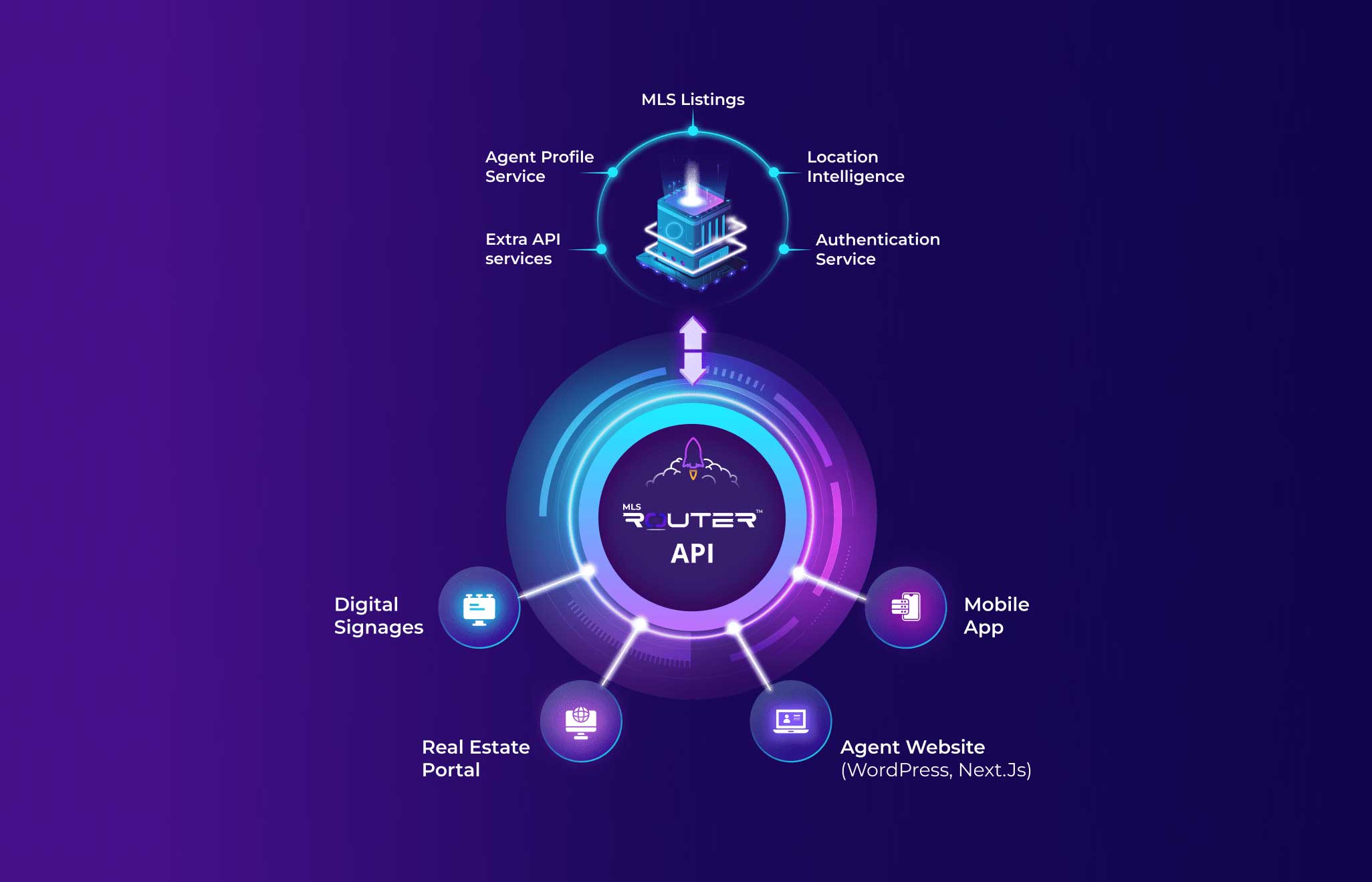
Houzez uses Realtyna’s MLS On The Fly — a native, organic IDX technology that integrates MLS listings directly into your WordPress website without iframes.
Here is how it works:
Step 1 — Check if Your MLS Provider Is Supported
Houzez supports a wide range of MLS providers across the US, Canada, and other markets. Before anything else, check if your local MLS is on the supported list at houzez.co/mls-idx/.
Step 2 — Purchase Houzez and Realtyna’s MLS On The Fly
Houzez itself costs $79 one-time on ThemeForest. The MLS On The Fly integration by Realtyna is a separate add-on — contact the Houzez team for current pricing and your specific MLS provider.
Step 3 — Install and Configure Houzez
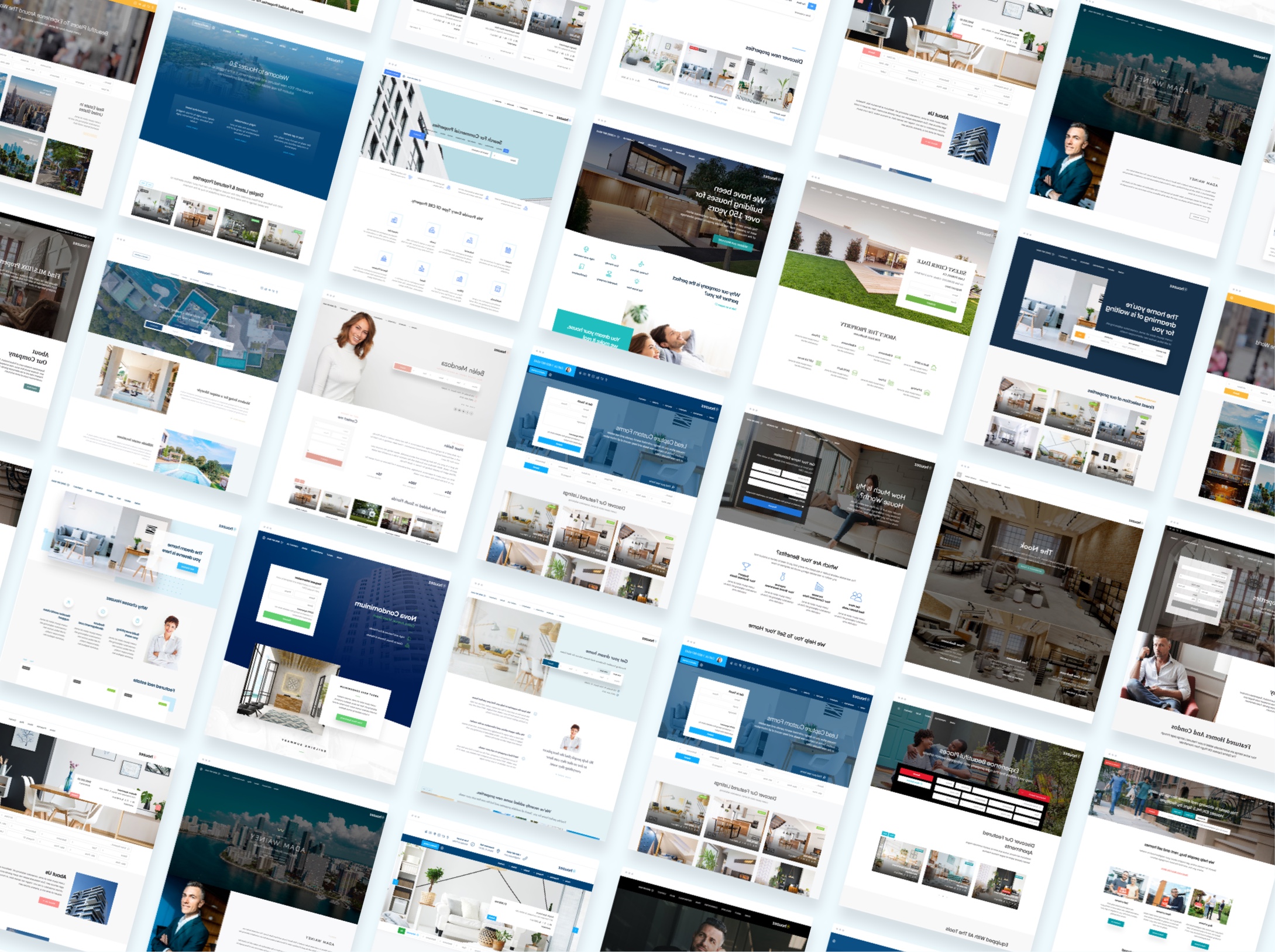
Install Houzez on your WordPress website and import one of the 47 pre-built demo sites with one click. Your website is already set up and ready — you are not starting from zero.
Step 4 — Connect Your MLS Feed
The MLS On The Fly plugin by Realtyna connects to your MLS data feed and begins syncing listings automatically. You configure:
- Which properties to sync (area, type, price range, status)
- How often to sync (listings update automatically)
- Which fields to display (bedrooms, bathrooms, price, photos, description)
Step 5 — Design Your Listing Pages
Because listings are native WordPress pages, you can design them with Elementor just like any other page. Use the Houzez Theme Builder to create custom property detail page templates, search result pages, and half-map layouts — all with 100% your branding.
Step 6 — Go Live and Let Google Index Your Listings
Once your site is live, Google will start crawling and indexing your property pages. Each listing becomes a potential search result — driving organic traffic to your website that you do not have to pay for.
Why Native IDX Matters for SEO
Let us put some numbers to this. Imagine your MLS feed brings in 500 active listings.
With iframe IDX:
- Google indexes: 0 listing pages
- Organic traffic from listings: 0
- Every visitor must find your homepage first
With native IDX (Houzez + Realtyna’s MLS On The Fly):
- Google indexes: 500 listing pages
- Each page can rank for its own address, neighborhood, and property type keywords
- Visitors can land directly on a listing from Google
- Your domain authority grows with every indexed page
Over months and years, this compounds. Agents and portals using native IDX build a significant organic traffic advantage that iframe users simply cannot match.
MLS/IDX Integration Checklist
Before you launch your WordPress real estate website with MLS/IDX, make sure you have covered these points:
- ✅ Confirm your MLS provider is supported
- ✅ Verify you have MLS board approval to display IDX listings on your website
- ✅ Choose native IDX over iframe — your future SEO depends on it
- ✅ Set up automatic sync so listings stay current
- ✅ Design your property pages with your theme’s branding
- ✅ Submit your sitemap to Google Search Console after launch
- ✅ Add your most important search pages (by area, type, price) to your navigation
Frequently Asked Questions
What is the difference between MLS and IDX?
MLS is the database of property listings shared between agents and brokers. IDX is the technology that allows those listings to be displayed publicly on real estate websites. You need IDX access to show MLS listings on your website.
Can I add IDX to any WordPress theme?
Most IDX plugins work with any WordPress theme via iframe — but this gives you no SEO benefit. For native IDX integration that indexes your listings in Google, you need a theme designed for it, like Houzez with Realtyna’s MLS On The Fly.
Does Google index IDX listings?
Only if you use native (organic) IDX technology. Iframe-based IDX is invisible to Google. With Houzez and Realtyna’s MLS On The Fly, all synced listings are real WordPress pages that Google can crawl and index.
How often do MLS listings sync with Houzez?
Listings sync automatically and regularly so your website always shows current availability, prices, and status. New listings are added and sold/expired listings are updated automatically.
Is Houzez compatible with my MLS provider?
Houzez supports a wide range of MLS providers. Check the full list at houzez.co/mls-idx/ or contact the team to confirm your specific provider.
How much does MLS/IDX integration cost with Houzez?
Houzez itself is $79 one-time on ThemeForest. The Realtyna MLS On The Fly integration is a separate add-on — contact houzez.co for current pricing based on your MLS provider and market.
Ready to Add MLS/IDX to Your WordPress Website?
If you are serious about building a real estate website that ranks on Google and attracts organic traffic from property searches, native IDX integration is not optional — it is essential.
Houzez with Realtyna’s MLS On The Fly gives you the only real estate WordPress theme solution that combines:
- Native, organic IDX (no iframes)
- 100% your design and branding
- Full Google indexing of every listing
- SEO-optimized property pages
- Automatic sync with your MLS provider
Learn more about Houzez MLS/IDX integration →
Buy Houzez on ThemeForest →