Every real estate developer has been there: the site goes live, the client is happy, and then — two weeks later — the calls start. “How do agents log in to update their listings?” “Where do I see the leads coming in?” “Can we add a way for buyers to save their searches?”
These aren’t edge cases. They’re the baseline expectations of any professional real estate website in 2025. And if they weren’t addressed before launch, you’re now managing a list of urgent change requests on a project you thought was closed.
This real estate website checklist covers the 20 features that should be confirmed, configured, and tested before any site goes live. Use it as your final gate before you hand over the keys — whether you’re building from scratch or working with a purpose-built platform like Houzez. Think of it not just as a technical review, but as the full operational layer that separates a real estate website from a real estate business platform.
Real Estate Website Checklist: The Foundation — Listings & Search
1. Listings Management System
Before anything else, confirm the site has a structured, scalable system for managing property listings — not just static pages or a blog post workaround. A proper listings system includes custom post types for properties, fields for price, location, size, and type, and a backend interface the client can actually use without calling you.
What to check: Can the client add a new listing in under five minutes without your help? If not, the system isn’t ready.
2. Custom Property Fields
Every real estate client has specific data they need to display — number of bedrooms, garage spaces, pool, zoning classification, proximity to schools. Generic fields won’t cut it. The site needs a custom fields builder that lets you define exactly what gets captured per listing, and connects those fields to the search system.
What to check: Are all custom fields mapped to the search filters? A field that can’t be searched is a field that’s invisible to buyers.
3. Advanced Search With Geolocation
Property search is the most-used feature on any real estate website checklist. It needs to do more than filter by price and bedrooms. Buyers expect geo-radius search, polygon-based map drawing, multi-select filters, and saved searches they can return to. Sites that deliver a basic filter box lose users to platforms that don’t.
What to check: Test geo-radius search from multiple addresses. Confirm saved searches trigger email alerts when new listings match.
4. Half-Map Search Page
The split-screen layout — search results on one side, interactive map on the other — is the browsing experience buyers have been trained to expect by Zillow and Realtor.com. It keeps users engaged longer, reduces bounce rate, and significantly increases the likelihood of a listing inquiry. It’s not a premium feature; it’s a baseline expectation.
What to check: Does the map update dynamically as filters change? Is it mobile-responsive?
5. Listing Templates
A single default listing layout isn’t sufficient. Different property types — luxury residential, commercial, vacation rentals — require different visual hierarchies. The site should have multiple listing page templates available so the client can present each category of property in the most compelling format.
What to check: Confirm the client knows how to assign a template to a listing without your involvement.
Real Estate Website Checklist: Lead Capture & CRM
6. Contact & Inquiry Forms on Every Listing
This sounds obvious, but it’s frequently misconfigured on launch. Every listing page needs a working inquiry form that routes to the right place — the assigned agent, the agency inbox, or both. The form should collect name, email, phone, and message at minimum, and confirmation emails should fire automatically.
What to check: Submit a test inquiry from three different listings. Verify routing, confirmation emails, and that the lead appears in the CRM.
7. Built-In CRM
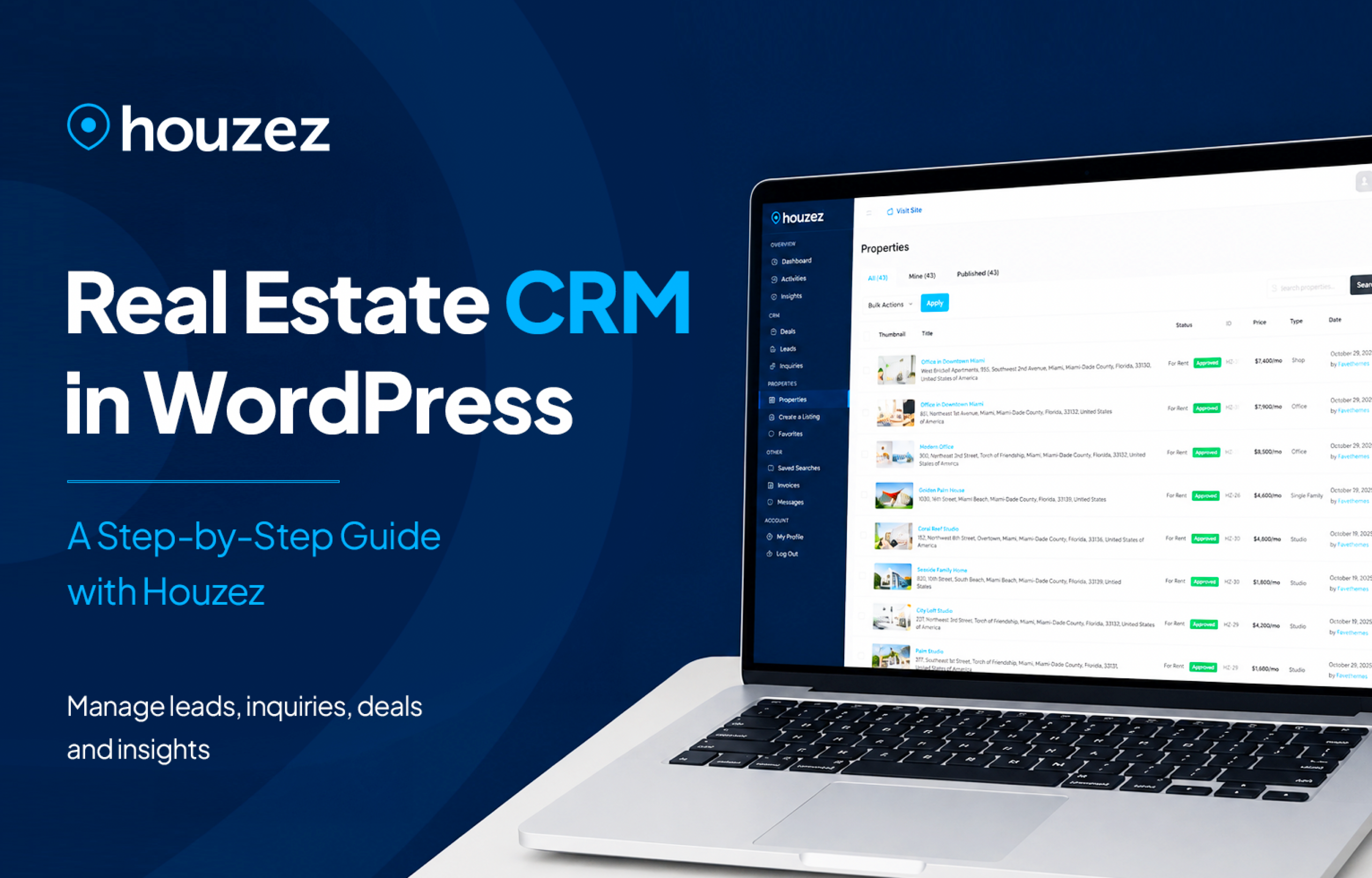
A real estate website without lead tracking is a marketing tool with a hole in it. Every inquiry that arrives and isn’t tracked is a commission someone else will earn. A proper site includes a CRM that logs every inquiry, shows the associated listing, records communication history, and allows status updates — without requiring a third-party subscription.
Houzez includes a native WordPress CRM that covers all of this. Before launch, confirm it’s configured, tested, and that the client knows how to use it. This is often the feature that generates the most client appreciation six months post-launch — and the one most developers forget to demo at handoff.
What to check: Create a test lead. Assign it to an agent. Update the status. Confirm the client can run a basic lead export.
8. Agent/Agency Assignment
Leads should route automatically to the agent responsible for the listing. This requires agent profiles to be set up, roles to be assigned correctly in the backend, and the inquiry form to be connected to the listing’s assigned agent — not just a generic admin email.
What to check: Confirm each agent receives only the leads relevant to their listings.
9. Saved Searches & Property Alerts
Buyer intent is rarely immediate. A visitor who searches today may be ready to transact in three months. Saved searches and automated email alerts — triggered when a new listing matches a buyer’s saved criteria — are the mechanism that keeps the site relevant to prospects between visits. Any complete real estate website checklist must include this as a non-negotiable.
What to check: Create a saved search as a test user. Add a matching listing. Confirm the alert fires within the expected timeframe.
Real Estate Website Checklist: Agent & User Management
10. Agent Profiles
Every agent on the platform needs a dedicated profile page: photo, bio, listings, contact information, and a direct inquiry form. These pages serve as individual lead-generation assets — a buyer who trusts an agent will go directly to their profile and inquire. Generic team pages don’t convert the same way.
What to check: Each agent profile should be indexable by search engines, have a unique URL, and display only that agent’s active listings.
11. Front-End Agent Dashboard
If your client’s agents need to access wp-admin to update their listings or check their leads, you haven’t finished the project. A front-end dashboard — where agents log in through the site itself, manage their listings, view inquiries, and update their profile — is non-negotiable for any multi-agent deployment.
What to check: Log in as an agent. Add a listing. Update a lead status. Check a profile. Do all of this without touching wp-admin.
12. User Verification
For any site where third parties can submit listings — agents, property owners, or agency members — identity verification matters. Email verification at minimum; document verification for higher-trust marketplaces. Unverified listings erode user trust fast.
What to check: Confirm that unverified users cannot publish listings. Confirm the verification flow works end-to-end.
Real Estate Website Checklist: Monetization & Membership
13. Membership Tiers (If Applicable)
If the site is operating as a portal or marketplace rather than a single-agency site, a tiered membership system lets the client define who can access what — free accounts with limited submissions, paid accounts with featured placement, and premium tiers with priority support. This converts the site from a cost center into a revenue stream.
What to check: Test the signup and upgrade flow as a new user. Confirm payment processing works and access levels update correctly post-payment.
14. Paid Listing Submissions & Featured Upgrades
Agencies that allow third-party listings should be charging for them — per submission, per month, or per featured placement. These mechanisms should be configured, tested with a real payment, and confirmed to flow through to the client’s account before launch.
What to check: Process a test payment via each configured gateway (Stripe, PayPal, WooCommerce). Confirm the listing goes live after payment and appears in the featured section if the upgrade was purchased.
Real Estate Website Checklist: Design, UX & Performance
15. Mobile Optimization
More than 60% of real estate searches begin on a mobile device, according to data from the National Association of Realtors. Every element of the site — search filters, listing pages, maps, inquiry forms, agent profiles — must function cleanly on screens below 400px wide. This is not optional and it is not covered by a theme being “responsive” in theory.
What to check: Test the full user journey on an actual mobile device, not just a browser preview. Pay particular attention to map interactions and form usability on touch screens.
16. Page Speed
A real estate listing page with 20 high-resolution photos needs to load in under three seconds. Unoptimized images are the most common culprit. Before launch, run every key page template through Google PageSpeed Insights, optimize images, enable caching, and confirm hosting is appropriately provisioned.
What to check: Core Web Vitals scores for the homepage, a listing page, and the search results page.
17. Property Comparison Tool
Buyers frequently shortlist multiple properties and want to evaluate them side by side. A property comparison feature reduces decision friction and keeps buyers on the site rather than opening spreadsheets. It’s a high-value feature that is consistently underutilized in pre-launch testing.
What to check: Add three properties to a comparison. Confirm all custom fields display correctly in the comparison view.Real Estate Website Checklist: Technical & Compliance
18. SEO Configuration
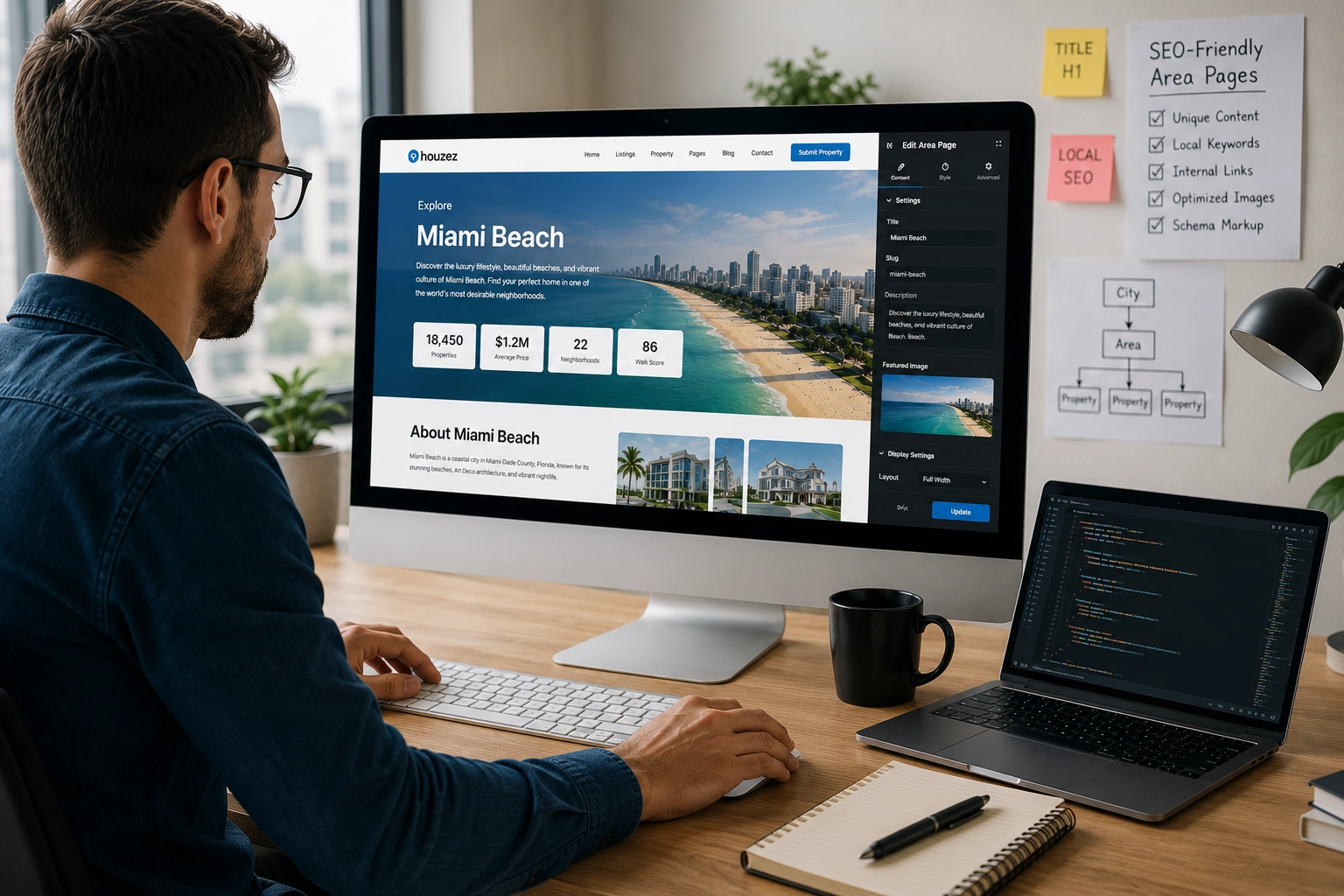
Every listing page, agent profile, and category page should have unique meta titles and descriptions, clean URL structures, and schema markup for real estate listings where applicable. SEO is not an afterthought — it’s the channel through which organic leads will arrive for years after launch. Use a plugin like Yoast SEO to manage this systematically.
What to check: Confirm an SEO plugin is installed and configured. Spot-check five listing pages for unique meta content. Verify the sitemap is submitted to Google Search Console.
19. GDPR & Privacy Compliance
Any site collecting personal data — which every real estate website does — requires cookie consent management, a privacy policy, and a clear mechanism for users to request data deletion. This applies regardless of where the site is hosted or where the client operates. The risk of non-compliance is not theoretical.
What to check: Confirm cookie consent fires for new visitors. Confirm a privacy policy page exists and is linked from forms. Confirm the client knows how to process a data deletion request.
20. Multi-Language & Multi-Currency (If Applicable)
For agencies serving international buyers or operating across markets, a site locked to a single language and currency is leaving money on the table. This should be part of your real estate website checklist from day one — not retrofitted later — because content architecture decisions made early affect how cleanly multi-language can be implemented.
What to check: If international reach is part of the brief, confirm WPML is installed and configured, and that at least one secondary language is functional end-to-end.
A Note on Tooling
This real estate website checklist becomes significantly easier to execute when the platform you’re building on was designed for real estate from the ground up. Houzez ships with a native CRM, a front-end agent dashboard, built-in membership and payment systems, 170+ Elementor widgets, and every feature on this list either included or directly supported — without requiring a separate plugin for each capability.
That’s the difference between a real estate site built on a generic platform and one built on a purpose-built tool: the checklist items become configuration tasks rather than development tasks.
Before You Hand Over the Keys
Run through this real estate website checklist as a formal sign-off process — not as a mental review, but as a documented walkthrough with the client present. Walk them through each feature. Confirm they can operate it independently. Get a signature.
A site launched with all 20 of these features working correctly is a site that will generate leads, manage them properly, and give your client a platform they can grow into — not one they’ll outgrow in six months and blame you for.
That’s what a professional real estate web build looks like in 2025. Anything less is a site with potential rather than a site that performs.
Building real estate websites for clients? Houzez includes every feature on this list — CRM, agent dashboard, membership system, advanced search, and 170+ Elementor widgets — in a single theme purchase. [